Hardware · Firmware · Native iOS · BLE

Creepy Eyes.

Wireless Creep Control

A native iPhone app and custom BLE hardware that turn inexpensive kinetic novelty glasses into independently servo-controlled animatronic Creeps. The app communicates directly with compatible Creepy Eyes hardware — no cloud service or account is required for normal control.

SwiftUICoreBluetoothESP32-C3Compatible hardware required
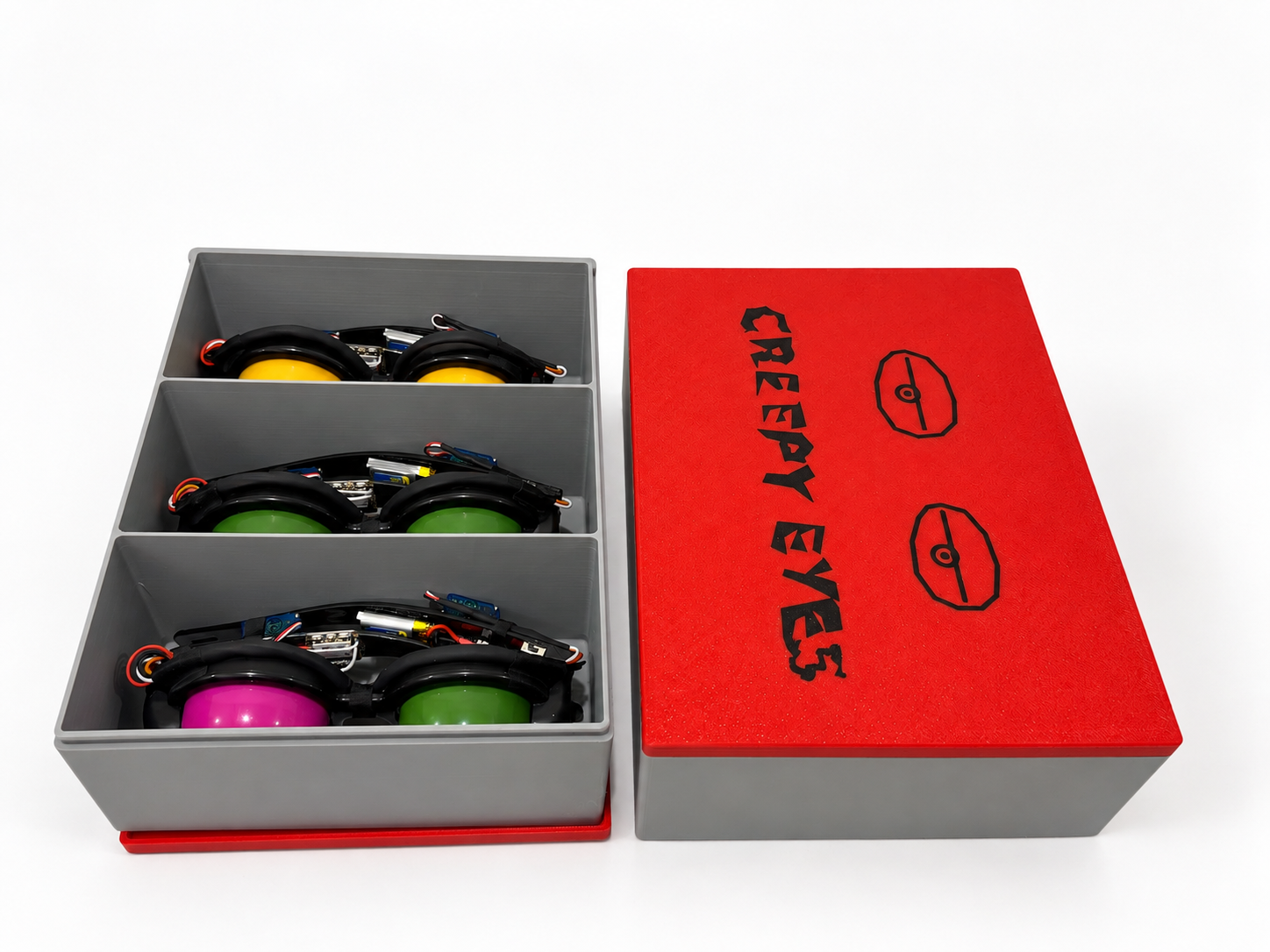
Three working Creepy Eyes hardware units arranged in different eye positions
Actual hardwareBuilt for highly questionable purposes.

How this escalated

Cheap kinetic novelty glasses were funny.
Then they got servos.
Then Bluetooth.
Then firmware.
Then a native iPhone app.
Then there were several of them.

One project, two halves

Hardware that moves.
Software that creeps.

Creepy Eyes is both a physical electronics project and a real native iPhone application. Each pair of glasses has its own calibrated controller and two servos; the iPhone discovers and controls compatible units over Bluetooth Low Energy.

The Creeps

The original glasses used manual pull strings. Each modified unit replaces that behavior with two independently controlled servos linked to the original moving-eye mechanism.

  • Per-unit servo calibration
  • Independent left/right motion
  • Battery-powered wearable package
  • BLE pairing and bonding in firmware

The iPhone app

Creepy Eyes is written in SwiftUI and uses CoreBluetooth for direct local control. It begins as a simple single-Creep experience and can expand to a multi-device session when Team Creep Mode is enabled.

  • Local BLE discovery and connection
  • No user account required
  • No normal cloud backend required
  • Settings stored locally on the iPhone

Native iPhone control

Scan. Connect.
Commence creeping.

The interface starts with nearby compatible hardware, then becomes a focused controller for the connected Creep. Multi-device controls appear only after the user explicitly enables Team Creep Mode for that app session.

Creepy Eyes iPhone app scanning for nearby compatible Creeps
01 · DiscoverScan locally for compatible Creepy Eyes hardware and choose a named Creep.
Creepy Eyes iPhone app connected to a single Creep
02 · ConnectSingle-Creep control exposes the core blink, wink, creepy-motion, and stop commands.
Creepy Eyes iPhone app showing motion controls and Team Creep Mode enablement
03 · ControlUse the normal single-device controls or explicitly enable Team Creep Mode for this session.
Creepy Eyes iPhone app scanning for additional Creeps in Team Creep Mode
04 · Add CreepsTeam Creep Mode can scan for additional compatible units without changing the normal single-Creep default.
Creepy Eyes iPhone app connected to multiple Creeps with individual and all-device targeting
05 · Creep FleetTarget ALL connected Creeps or an individual unit, then use Coordinated Creepy and Performance controls.

Behavior modes

From one blink
to a Creep Fleet.

The same command model scales from one set of eyes to several. Coordinated behavior uses shared deterministic settings, while Independent Creepy intentionally lets each unit do its own thing.

Blink

Repeated synchronized blinking with configurable timing and speed.

Left / Right Wink

One-shot commands for individual eye movement.

Independent Creepy

Each connected Creep follows its own pseudo-random eye motion.

👀

Coordinated Creepy

Multiple Creeps use the same deterministic seed and behavior settings.

Performance

The iPhone sequences winks, blink, independent motion, and coordinated motion.

App Review clarity

Team Creep Mode is multi-device hardware control. Period.

The default app experience controls a single compatible Creep. After one unit is connected, the user can explicitly enable Team Creep Mode for that session to scan for and connect additional compatible Creepy Eyes hardware. Relaunching the app returns to the normal single-Creep experience.

Session-onlyEnabled intentionally when multi-device control is wanted.
No unlock codeThere is no hidden password or secret feature gate.
No premium tierTeam Creep Mode is not a paid or licensed upgrade.
No IAP requiredNo subscription or in-app purchase is involved.

Under the hood

Small hardware.
Disproportionate personality.

Each Creep is a modified physical build with its electronics distributed along the temples. Mechanical endpoints vary slightly from pair to pair, so the firmware carries per-unit servo calibration.

Controller
XIAO ESP32-C3
Motion
Two MG90S-class micro servos
Battery
1S 3.7V 250mAh LiPo
Servo power
5V boost converter
Rail stabilization
470µF capacitor
Control link
Bluetooth Low Energy
Firmware
Custom ESP32 firmware
App
Native SwiftUI + CoreBluetooth
Maker-project reality check: this involves modified consumer novelty hardware, soldering, wire splicing, drilling/Dremel work, LiPo handling, firmware flashing, and mechanical fitment. It is not presented as a beginner electronics build.

Current fleet

Three proven.
One incoming.

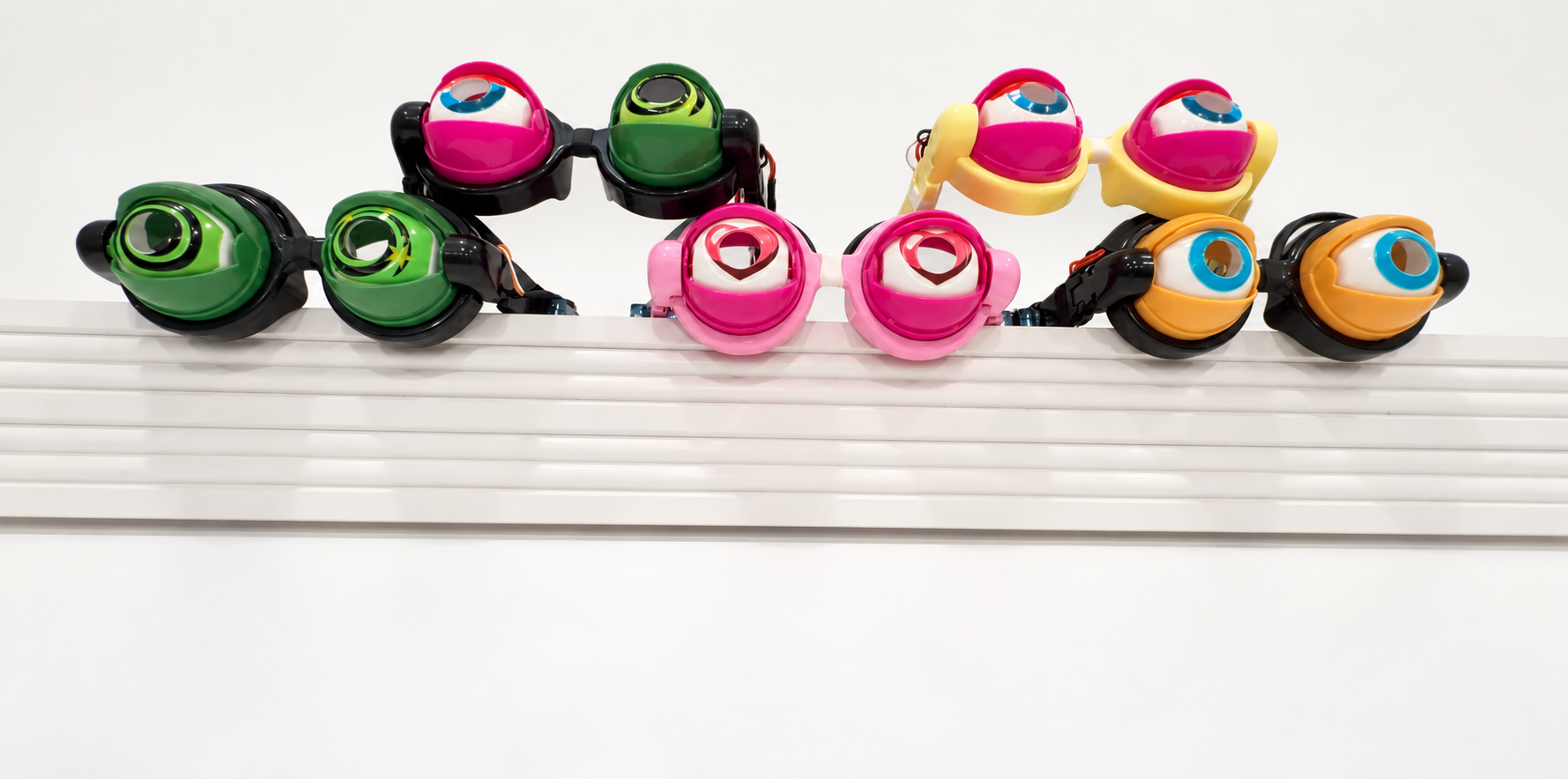
KUATO, IGOR, and GOLLUM are working units. FESTER is the next hardware build.

KUATOWorking
IGORWorking
GOLLUMWorking
FESTERPlanned
Creepy Eyes Wireless Creep Control project artwork
#FPD
Fabrication · Programming · Detonation

The maker watermark for projects that started with a perfectly reasonable idea and then acquired substantially more engineering than anyone requested.

Arroyo Cooperative

Built for highly
questionable purposes.

Creepy Eyes is currently preparing for App Store submission. There is no App Store download link until the app is actually published.